
Plantwise
find your green thumb
Project Type
Springboard UX/UI Design
Course Project
Contribution
User interview + synthesis
Ideation
Paper prototype
High-fidelity prototype
Interaction design
Tools
Figma
Marvel
Photoshop
THE PROBLEM
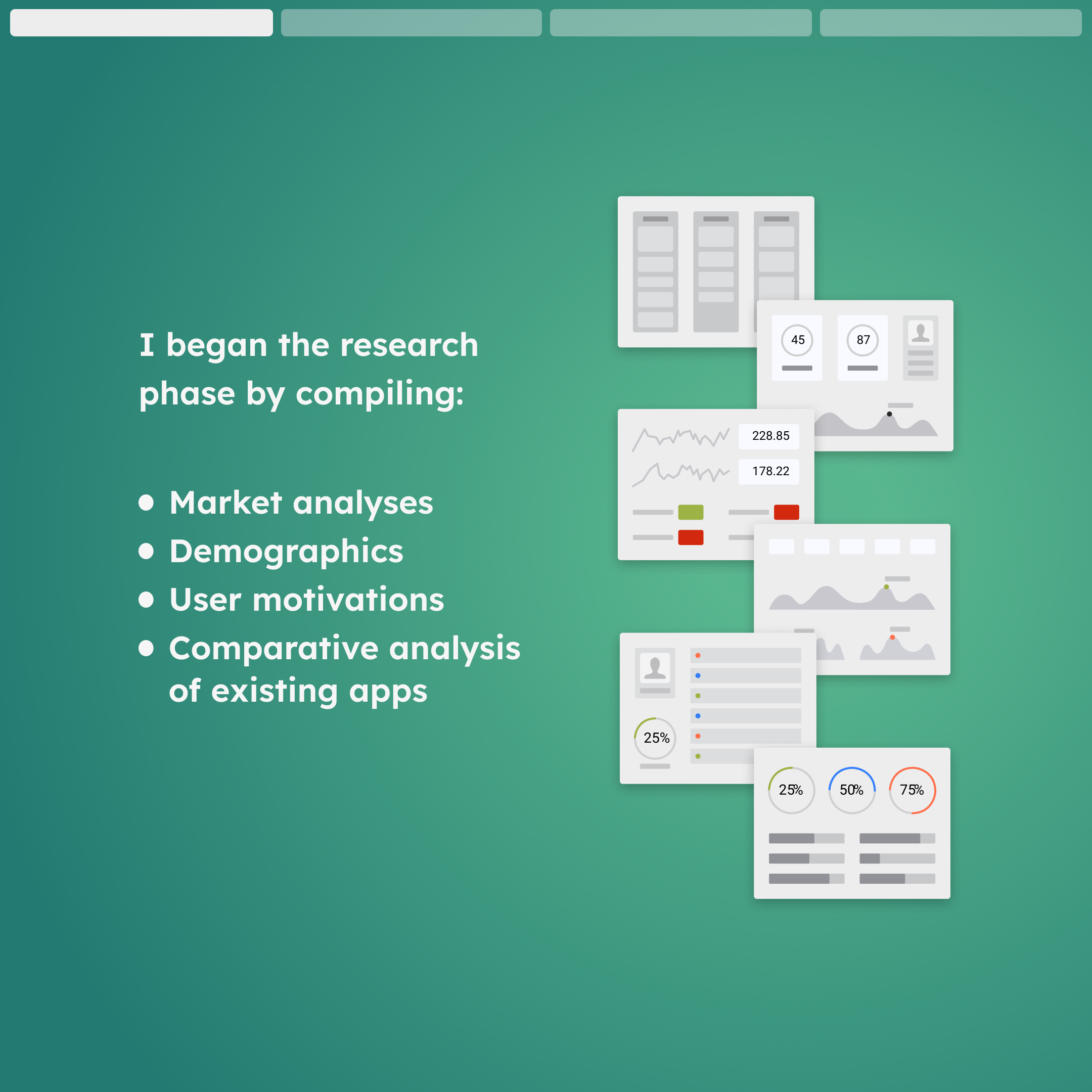
Caring for plants is a hobby that can bring a host of benefits to your life. However the learning curve can be steep, costly, and littered with failures. Reliable information is difficult to find
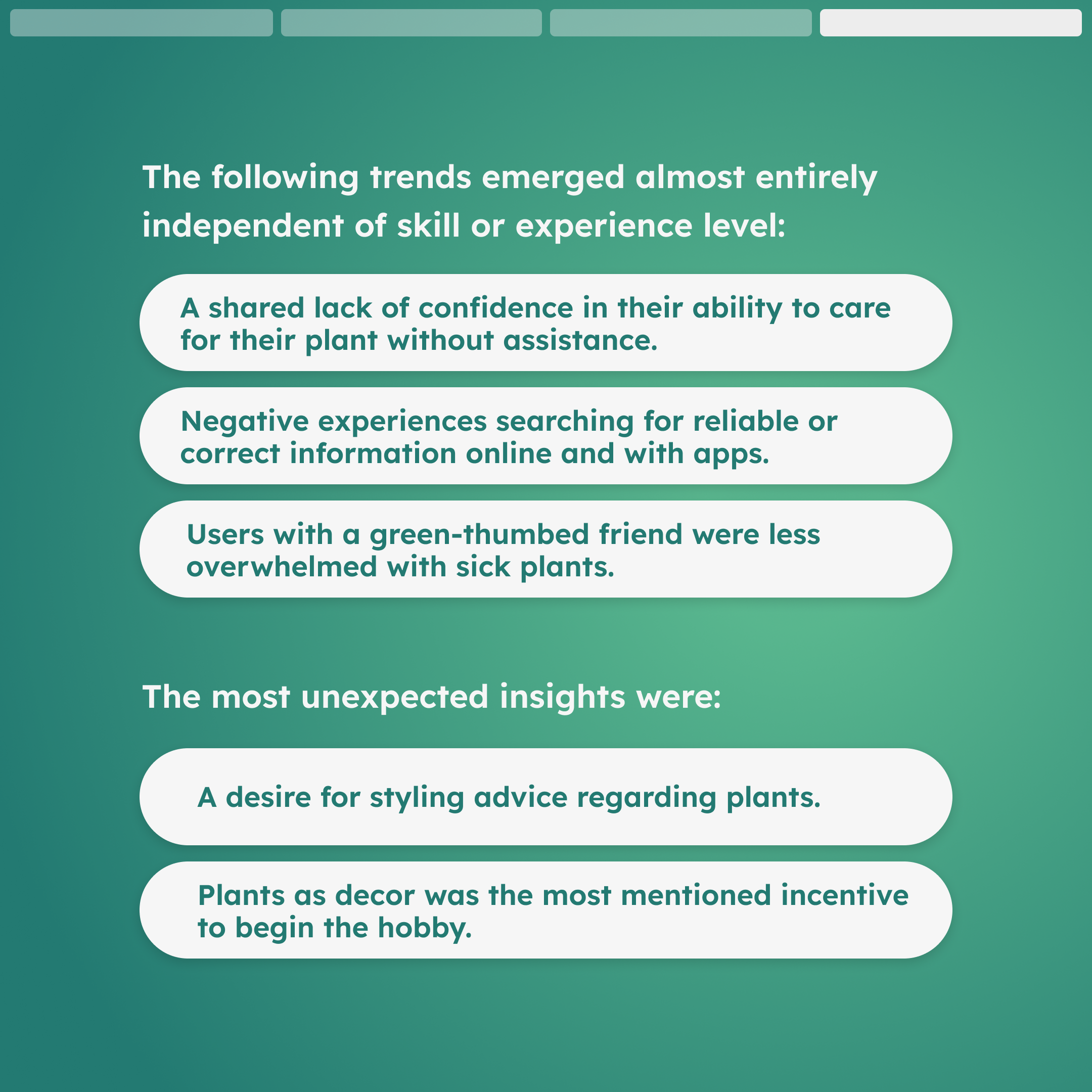
Added to the fact that it’s nearly impossible for a beginner to sift through the reliable advice online, many plant owners feel lost without a green-thumbed friend or relative to turn to in moments of need.
THE RESEARCH


THE SOLUTION
Remove as much of the guesswork as possible and have a resource that plant owners can trust to find reliable information and advice.
Create a digital green thumbed friend for everyone.
PERSONAS
In order to fulfill the goal of helping users learn in a more personal way, I knew there was going to be a handful of users that would need consideration throughout the design process. During the empathy mapping phase, 4 users started to define themselves clearly while leaving room for neighboring users. Users A (John) and B (Katie) are on the beginner end of the spectrum while users C (Bryan) and D (Margo) are more experienced in caring for their plants. Of the four personas, Katie is the main user demographic due to her lack of experience and dedication to learn.
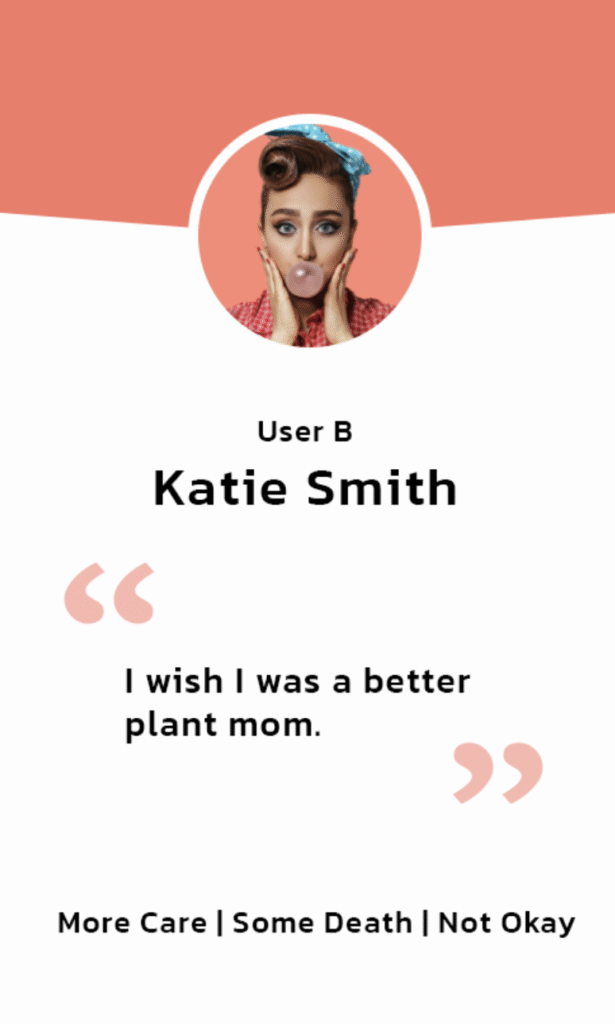
Katie is the user that we can have the most impact on because of her level of care, aversion to plants dying, and desire to improve.
These traits make Katie the user most likely to use the majority of features on the app and use the app for a longer period of time.
KATIE’S PLANTING STORY
Katie has been planting for a few years and while she loves to watch tier plants grow, she doesn’t feel confident in the skills shes gained so far. She has friends that are successful in planting whom she often goes to for help but she wishes she could handle it herself. She is disheartened when her plants struggle and is discouraged from buying more when one is struggling or recently
GOALS
- Prove to herself that she can care for another living thing.
- Improve the aesthetics of her home.
- Keep a family plant alive and watch it grow.
PAIN POINTS
- Doesn’t know what to do when they start to struggle.
- Doesn’t know what to do When they start to struggle.
- Finds it difficult to find useful solutions online without pictures.
- Often finds conflicting or extreme advice online.
SKETCHING & WIREFRAMING
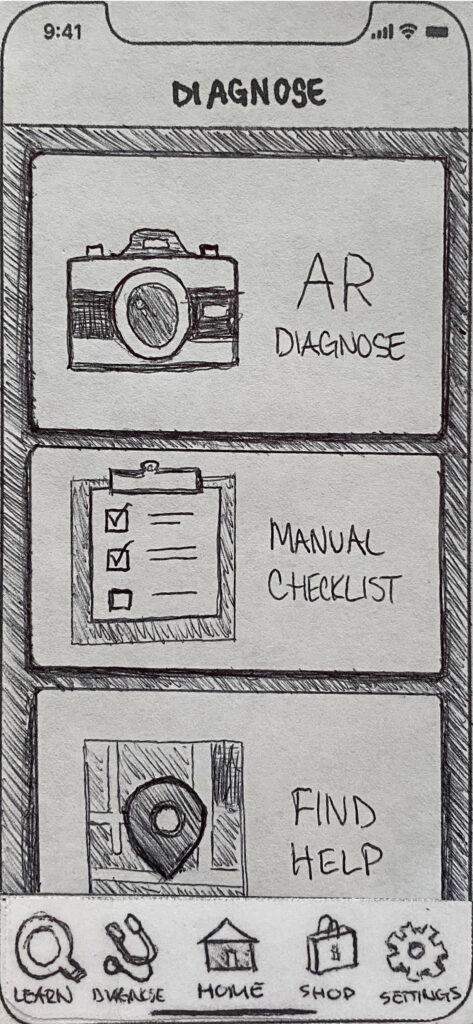
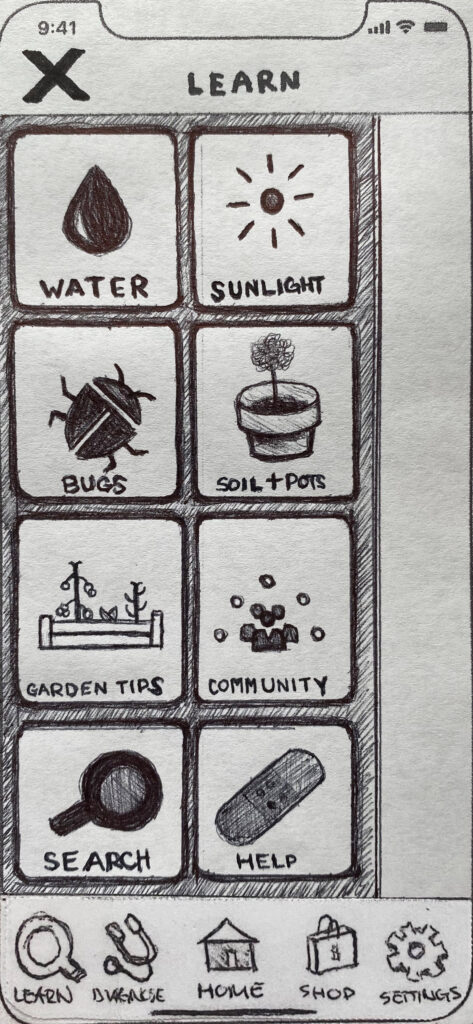
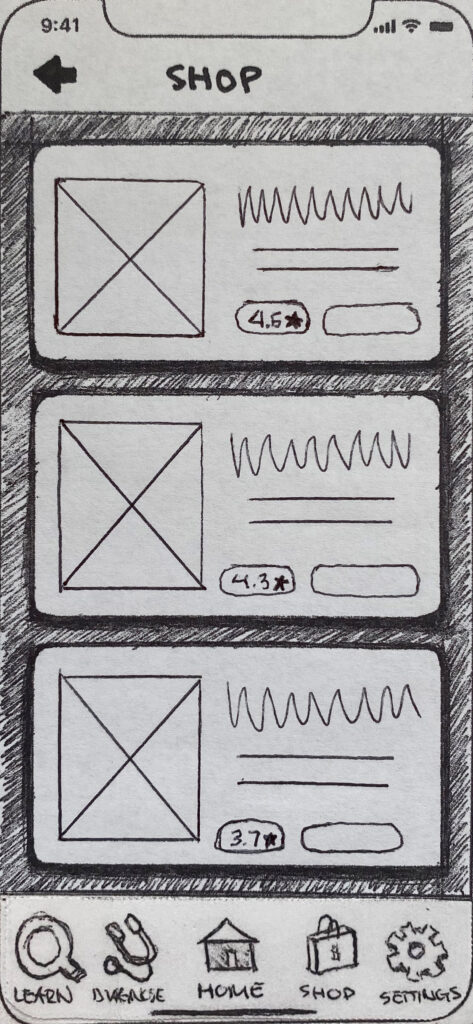
Iteration 1 | Home Dashboard
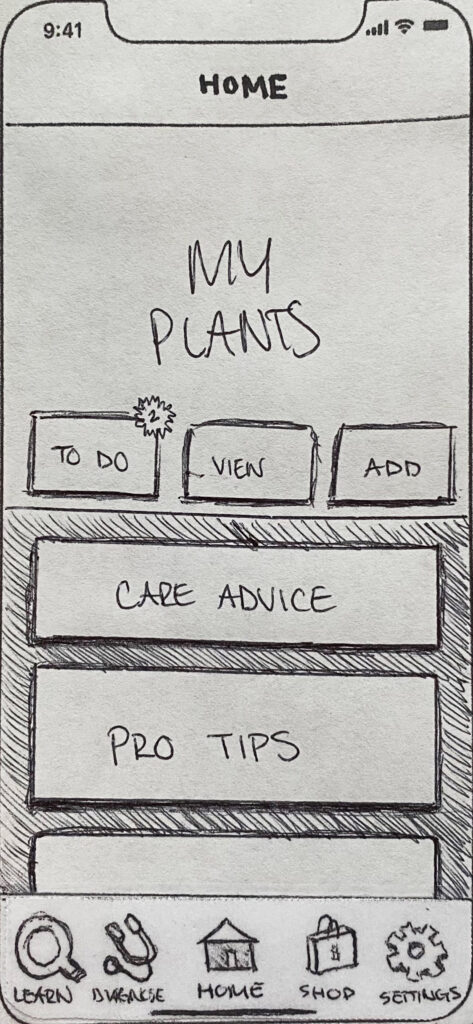
During low fidelity user testing, there was some confusion regarding the buttons on the home page.
I made the adjustments on the right as well as making room for edge cases where the photo collection feature was pivotal.
Iteration 2 | Home Dashboard
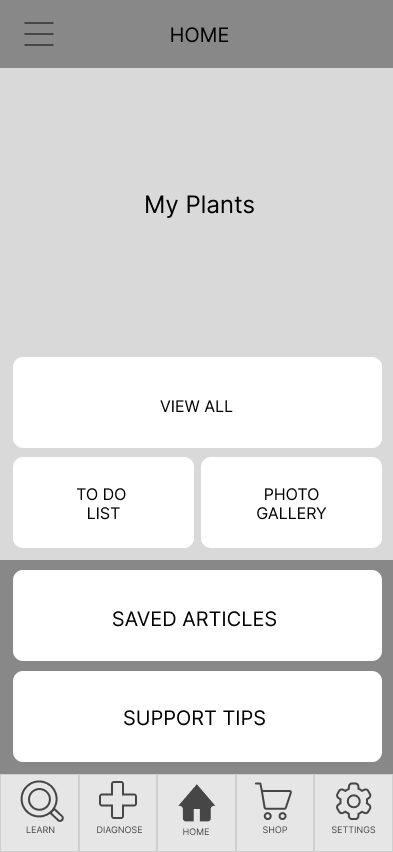
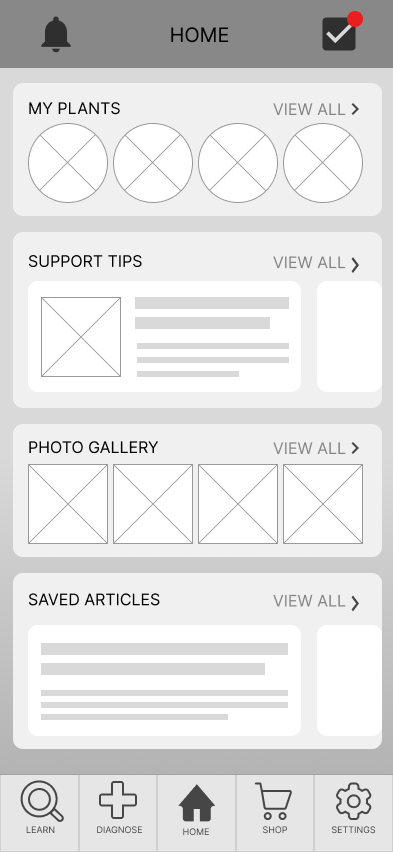
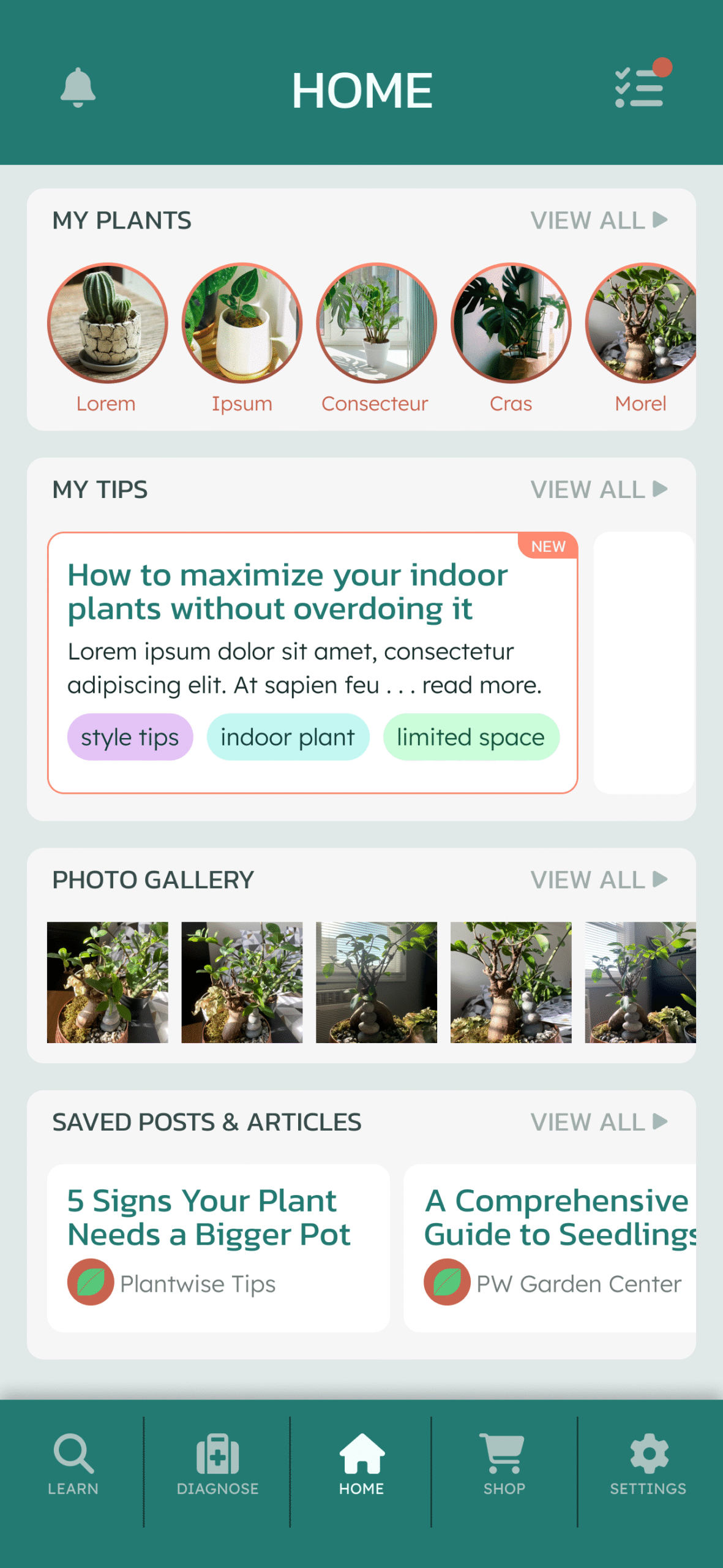
To better utilize dashboard functionality, l expanded the cards to contain a preview of contents.
Iteration 3 | Home Dashboard
STYLE GUIDE
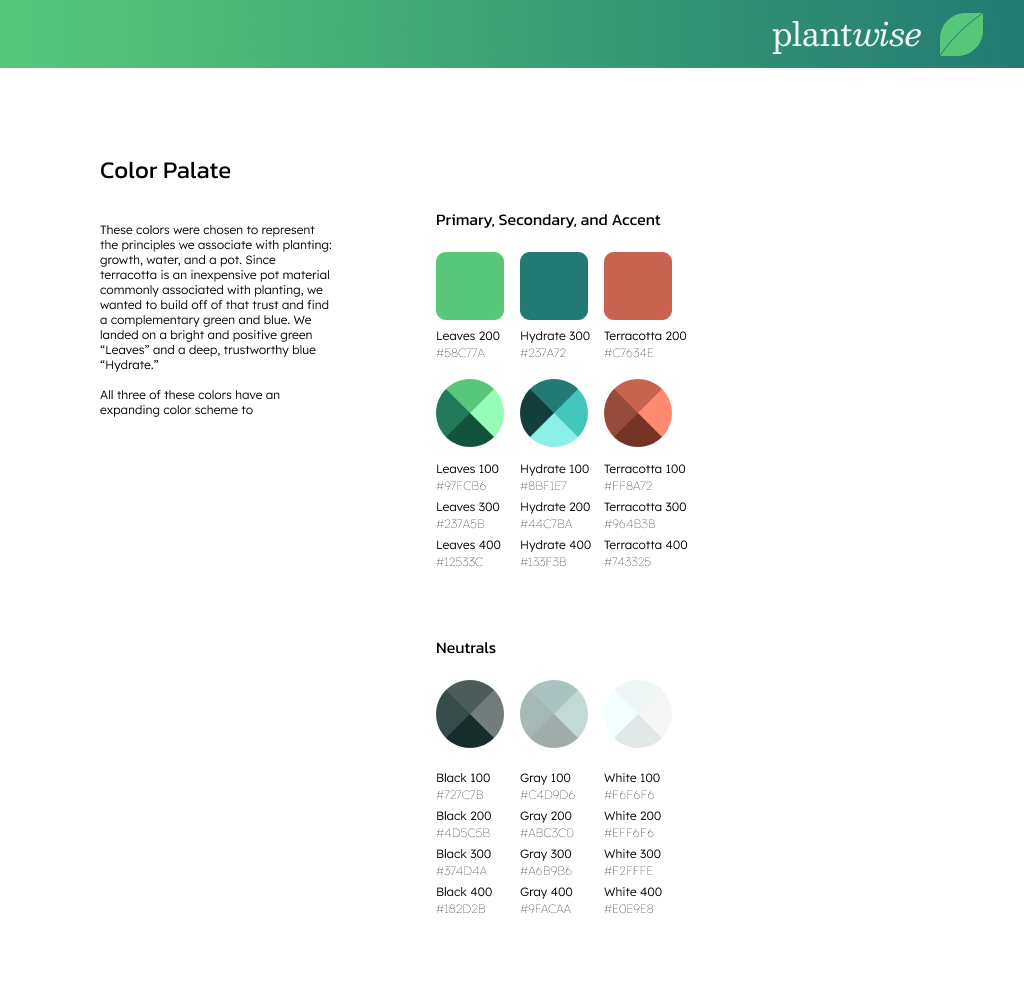
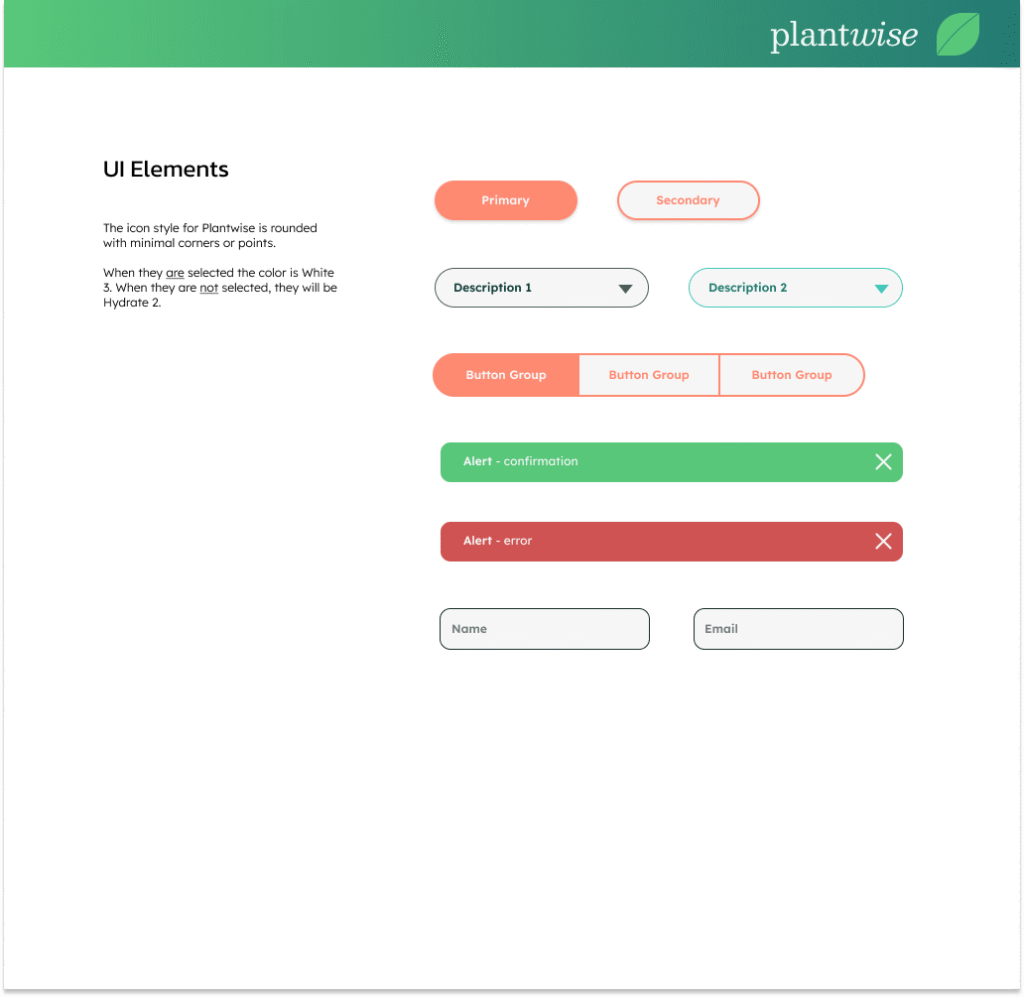
Next I created a style guide to make the high fidelity wireframe process quicker and more uniform. This guide includes a brand platform, logo treatments, type faces, grids, icons, and Ul elements.
FINAL ITERATIONS
Home Dash
Shop Menu
Store Overview
Plantwise Demo Video